Sign your customers in
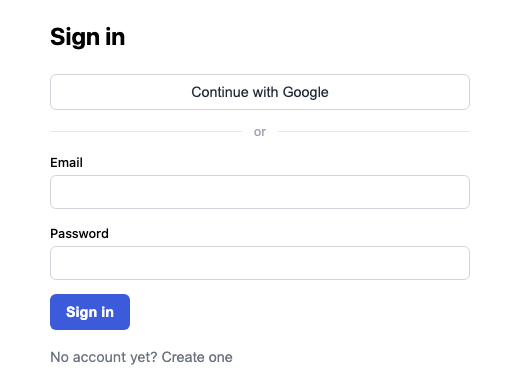
Give your customers an account — orders they can track, comments under their own name, a members-only corner. Accounts are scoped to your app alone: signing in on your site is never shared with any other site on EzyApp.
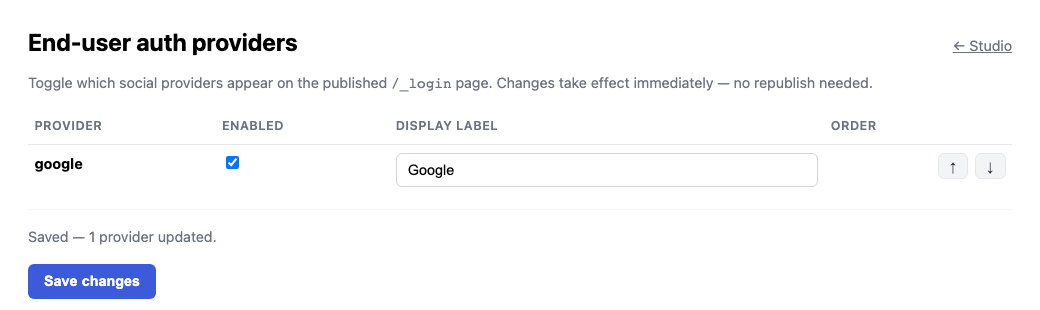
Turn on Google sign-in with a switch, or keep it to email and password. Your staff get their own separate sign-in for the back office, so the two never mix.
Want this for your business?A quick chat builds it — takes a few minutes, no sign-up.
Try it in the playground